Website Design for Medical Centres
Nobody browses for a doctor for fun. They search because a child has a fever, a script has run out or a lump needs looking at, and they want three answers fast: are you taking new patients, what will it cost, and can I get in today. We build websites for GP clinics and medical centres that answer all three in the first screen, then give the longer questions (who the doctors are, what you treat, what to bring) a calm, readable home of their own.
Patients choose the clinic that answers the practical questions first
Most clinics offer much the same care, so people choose on the things they can check from a phone: the doctor is accepting new patients, the fees are stated, the clinic is open when they finish work and the next appointment is not three weeks away. A website that hides billing arrangements behind a phone call, lists doctors without saying who is taking patients or buries opening hours loses the booking to a clinic that spelled it out. In health, a website that is clear is also read as a clinic that is organised.
Built around how your customers actually search and book
Billing and fees stated plainly
Which consults are bulk billed, who pays a gap, what a standard consult costs after the Medicare rebate and how fees differ for children, concession card holders and patients without Medicare. Fee confusion is the most common reason people ring around, and it is the easiest one to remove.
Doctors who are easy to choose between
Each doctor gets a profile with their special interests, languages, qualifications and whether they are accepting new patients, plus their registration details. Patients often want a woman doctor, a doctor for a baby or someone who speaks their language, and the page should let them find that without calling.
Booking that works on a phone
A booking button on every page that links to your online booking provider such as HotDoc or HealthEngine, or to your practice software, with a phone number beside it for people who would rather talk. It stays one tap away in a waiting room, on a train or at 11pm.
Services, tests and referrals explained
Skin checks, immunisations, health assessments, mental health plans, work medicals, travel health, telehealth and on-site pathology each get a plain-English page covering who it is for, how long it takes and what to bring. These are also the pages that capture the specific searches your patients type.
Hours, after-hours and urgent care, honestly stated
Opening hours, public holiday arrangements and where to go when the clinic is closed, with a clear note that emergencies need 000. A worried parent should know in five seconds whether you can help today and where to go if you cannot.
Found for the searches that matter locally
GP plus your suburb, bulk billing doctor near me, a women's health GP and one page for each service you actually provide. Your Google Business Profile, hours and address kept consistent with the site, so the map listing and the website tell the same story.
Design concepts built for this industry
Style explorations we've already designed for medical centres, a look at the range before you sign on.
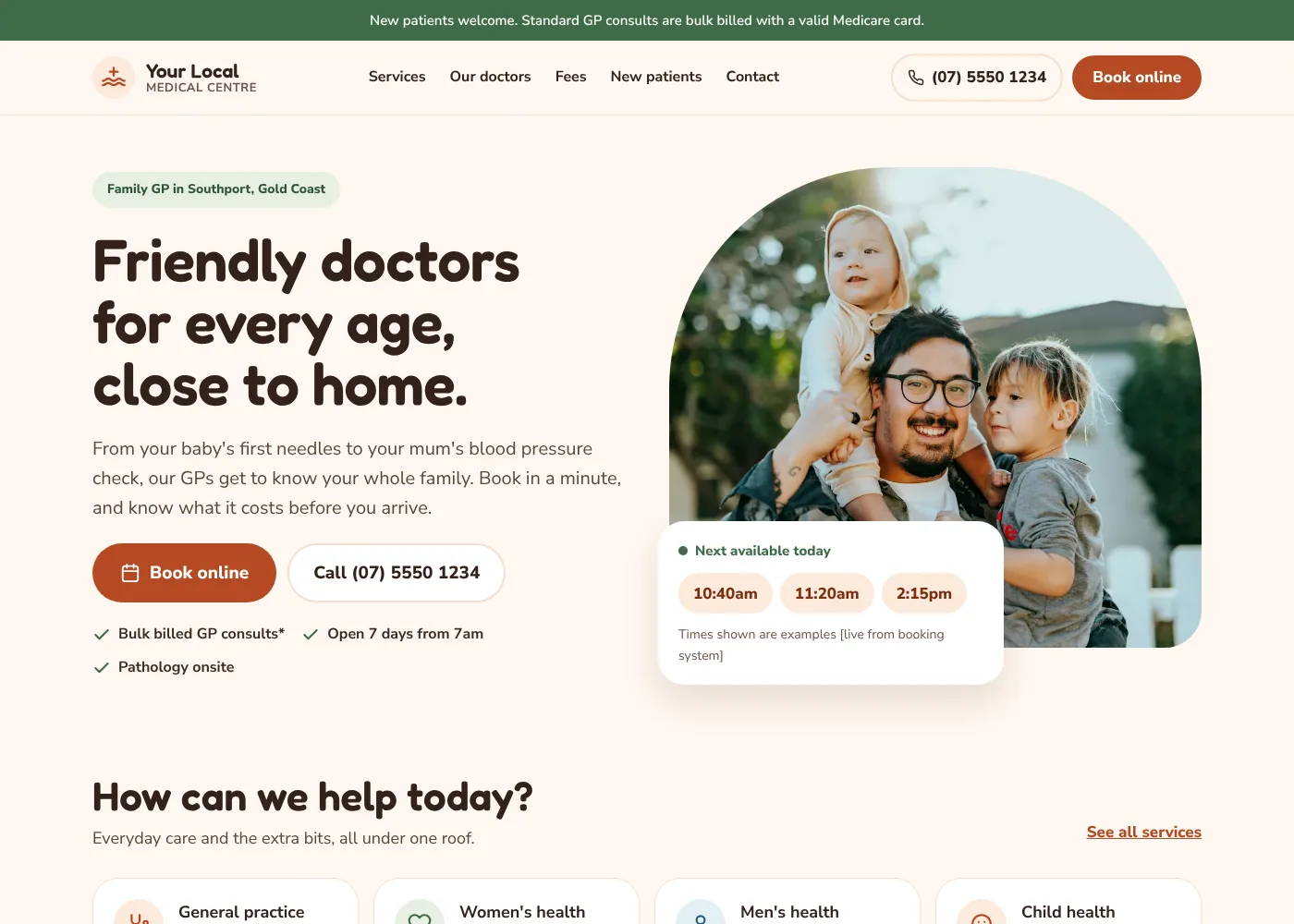
Warm & Family-Friendly
A cream, terracotta and sage layout with rounded shapes and a friendly voice, built for family GPs: bulk billing and fees up front, doctors introduced by name and a three step first visit.
Preview this style ↗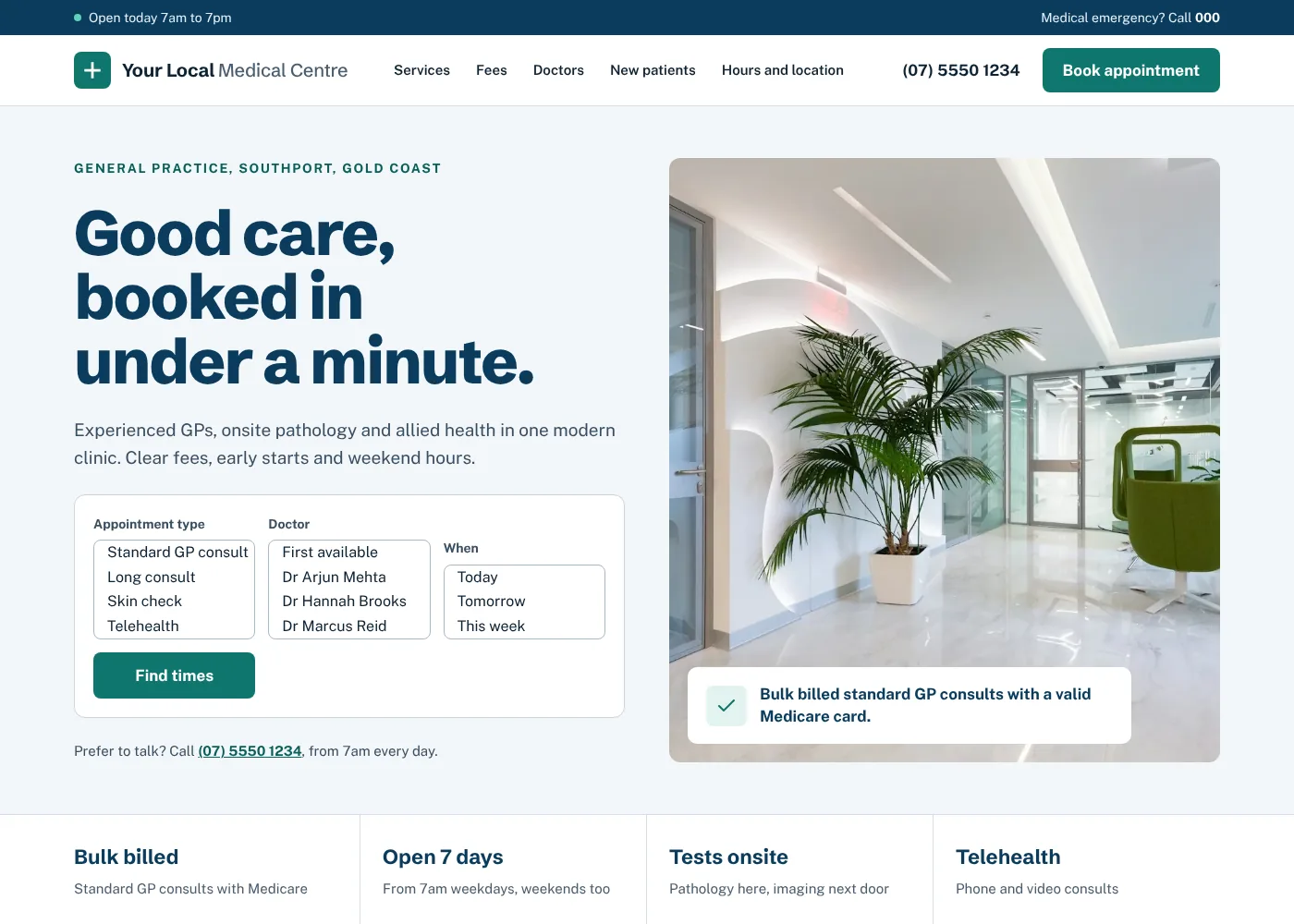
Clean Clinical Modern
A crisp, structured layout with clear fees, same day appointments and a calm, professional tone that puts booking and practical information first.
Preview this style ↗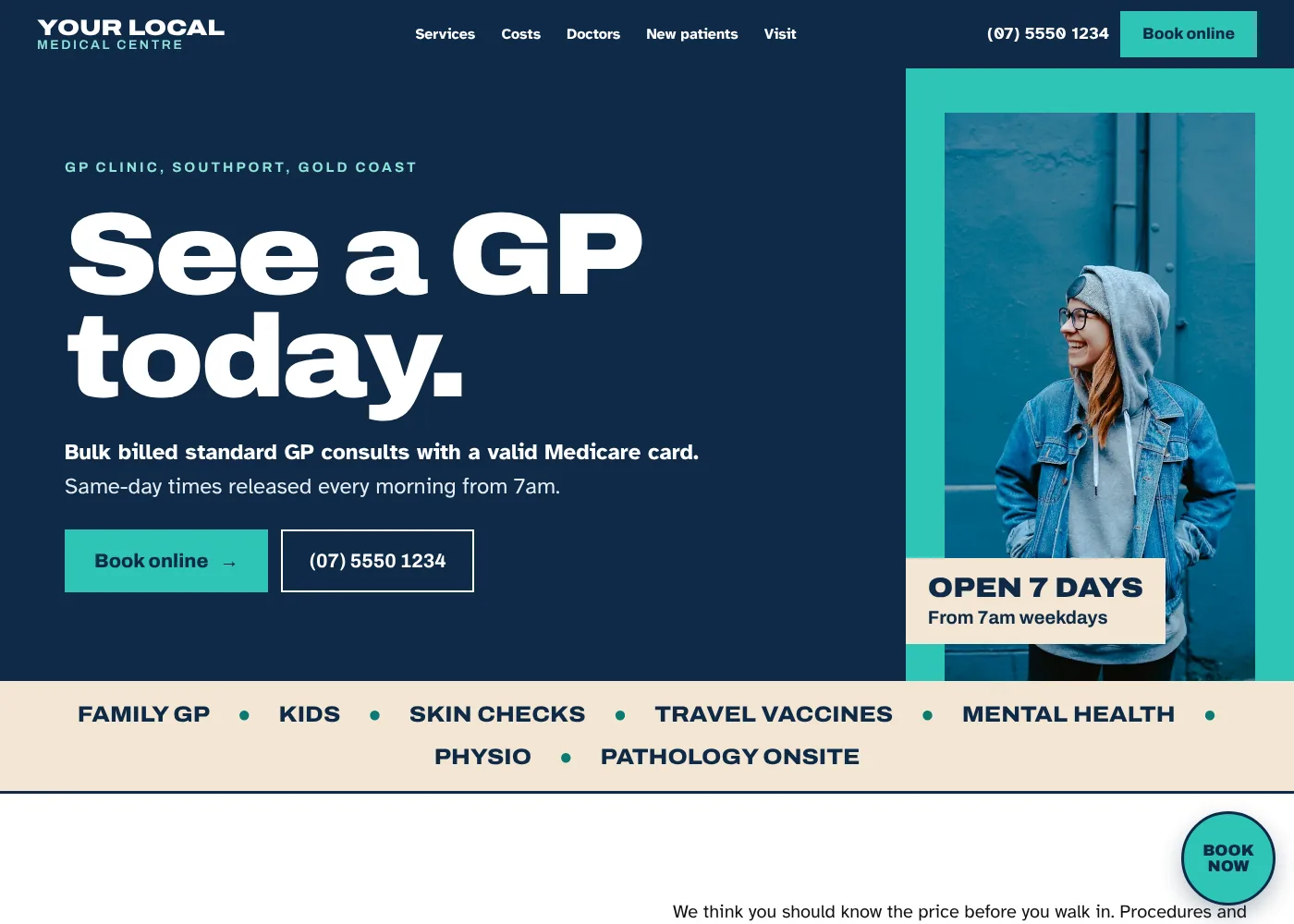
Bold & Contemporary
A high contrast, confident layout with large type and strong colour blocks, built to make bulk billing, extended hours and online booking impossible to miss.
Preview this style ↗Common questions
Can we show patient reviews and testimonials on the site?
No. Advertising rules for registered health practitioners prohibit testimonials, so we do not publish patient reviews or star ratings on a clinic website. We also avoid outcome promises and comparative claims, and flag anything doubtful in the copy so you can check it against the AHPRA advertising guidelines before it goes live.
Can patients book straight into our practice software?
Usually. Most clinics use an online booking provider such as HotDoc or HealthEngine, or the booking module that comes with their practice software, and we place that link where patients look for it. If you would rather confirm appointments by phone, a short request form that lands in your reception inbox works well and keeps the diary in your control.
How do you handle patient privacy on the contact form?
We keep the form to a name, phone number and a general reason for contact, and add a clear note that it is not for clinical details or emergencies. Patients should never be encouraged to describe symptoms on a web form, so the form asks for as little health information as possible and says so.
Our doctors come and go. How do we keep the team page right?
Each doctor sits in a single list that you edit, with a switch for whether they are accepting new patients, and every page that mentions them reads from it. When a locum joins or a doctor goes on leave, it is a five-minute change at reception rather than a call to us.
How much of our time does this take?
A conversation about how the clinic runs, a photo session with the team and the rooms, and a round of corrections on the first draft. We write the pages from what you tell us, and you or your practice manager check the clinical and billing detail. Most of the back and forth happens by email, outside clinic hours.
Ready for a website built for your business?
Get a free, no-obligation quote. Tell us about your centre and we'll get back to you within 24 hours.
Get a Free Quote